How to Automate Your Customer Support in 5 Minutes (Without Breaking Your Budget)
- allan faure

- 3 days ago
- 4 min read
Customer support eating your budget? Team drowning in repetitive questions? You're not alone.
72% of small businesses waste 4+ hours daily on support tasks that could be automated. That's money down the drain.
Here's the truth: You don't need months or massive budgets. You can automate your customer support RIGHT NOW.
The 5-Minute Quick Wins
Start here. These cost nothing and work immediately.
Canned Responses Are Your Best Friend
Stop typing the same answers over and over. Create 5-10 template responses for your most common questions:
Order status inquiries
Shipping information
Return policies
Pricing questions
Technical troubleshooting steps
Your team selects the right template. Personalizes it. Sends it. Done.
Time to implement: 2 minutes Cost: $0 Impact: Instant 50% faster response times

Auto-Survey Magic
Set up a quick feedback survey that automatically sends after each support interaction. Most helpdesk tools include this feature for free.
Why this matters: You get instant feedback without manual follow-up. Customers feel heard. Win-win.
Link Your Help Docs
Connect your FAQ or help documentation to your chat widget. Customers find answers instantly. Your team handles fewer basic questions.
Pro tip: Update your help docs based on the questions you get most often.
Budget-Friendly Automation Tools
Ready to level up? These tools deliver serious automation without breaking the bank.
Zoho Desk - The Startup Favorite
Cost: $7/user/month (Express plan)
What you get:
Basic ticket routing
Email-to-ticket conversion
Simple automation workflows
Mobile app for on-the-go support
Upgrade at $23/user/month: Advanced automation blueprints, time tracking, custom fields.
HelpCrunch - Maximum Value
Praised by small businesses for delivering enterprise features at startup prices.
Features:
Customizable chatbot templates
Inbox automation
Live chat with team routing
Knowledge base integration
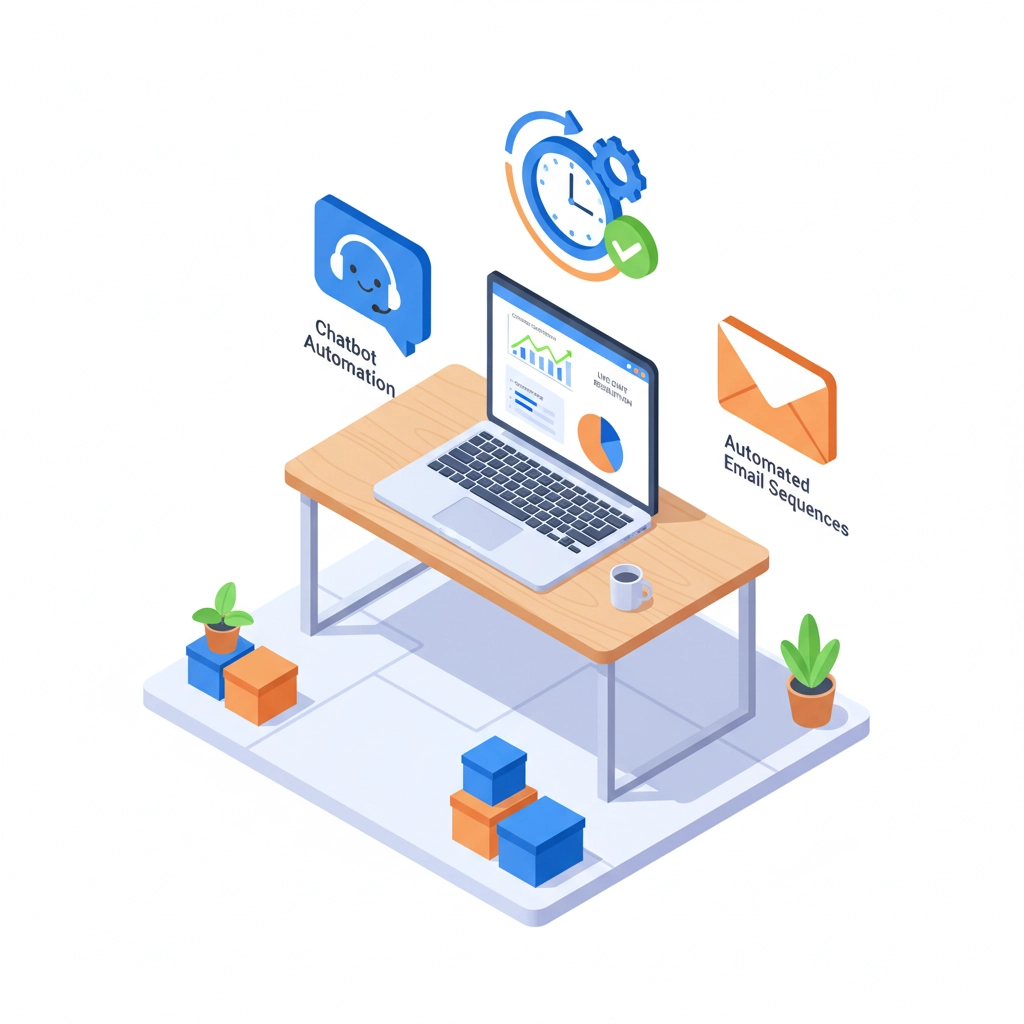
Tidio - The 5-Minute Champion
Perfect for businesses wanting chatbot automation FAST.
Setup process:
Install widget on your website
Choose chatbot template
Customize responses
Go live
Total time: Under 5 minutes Result: 24/7 automated support for common questions
The Step-by-Step Implementation Guide
Follow this exact sequence. No guesswork.
Step 1: Audit Your Current Support (5 minutes)
Review your last 50 support tickets. Identify patterns:
What are the top 5 most common questions?
Which issues take longest to resolve?
What could be answered with a simple FAQ?
Write these down. They're your automation targets.
Step 2: Create Your Automation Hierarchy
Level 1 (Immediate): Canned responses for common questions Level 2 (This week): Automated ticket routing by department Level 3 (This month): Basic chatbot for FAQs Level 4 (Next quarter): Advanced AI for complex queries
Don't skip levels. Build systematically.
Step 3: Set Up Automated Ticket Routing
Most modern helpdesk software includes this feature. Create rules:
Technical issues → Tech team
Billing questions → Accounting
General inquiries → Customer success
Urgent complaints → Manager
Implementation time: 10 minutes Result: Tickets reach the right person immediately

Step 4: Deploy Your First Chatbot
Use platforms like Chatbase or your helpdesk's built-in bot builder.
Essential bot functions:
Answer top 5 FAQs
Collect contact information
Schedule appointments/demos
Route complex issues to humans
Training tip: Feed your bot real customer conversations. The more data, the better responses.
Step 5: Enable Email-to-Ticket Automation
Stop manually creating tickets from emails. Let your system handle it.
Setup:
Create dedicated support email address
Configure auto-ticket creation
Set up notification rules for your team
Add customer confirmation auto-reply
Boom. Every email becomes a trackable ticket automatically.
The Real Benefits (Numbers Don't Lie)
Here's what happens when you automate customer support:
24/7 Availability: Your chatbot works while you sleep. Customers get instant responses at 2 AM.
60% Faster Response Times: Automated routing and canned responses eliminate delays.
40% Cost Reduction: Handle more customers without hiring more agents.
Higher Customer Satisfaction: Consistent, accurate responses every time. No human error or bad mood days.
Team Productivity Boost: Your agents focus on complex issues that actually need human touch.
Scalability: Handle 10x more customers without 10x more staff.

Common Implementation Mistakes (And How to Avoid Them)
Mistake #1: Over-Automating Too Fast
Don't automate everything on day one. Start with simple wins. Build confidence. Then expand.
Mistake #2: Ignoring the Human Touch
Automation enhances human support. It doesn't replace it. Always provide easy escalation to real people.
Mistake #3: Set-and-Forget Mentality
Monitor your automation performance. Update bot responses. Refine workflows. Automation needs maintenance.
Mistake #4: Poor Bot Training
Feed your chatbot quality data. Bad training = bad responses = frustrated customers.
Advanced Automation for Growing Businesses
Ready for the next level? Consider these upgrades:
Sentiment Analysis: Automatically flag angry customers for priority handling.
Predictive Routing: AI predicts the best agent for each ticket based on expertise and availability.
Automatic Follow-ups: System sends check-in messages after issue resolution.
Integration Automation: Connect support data with your CRM, billing system, and analytics tools.

Measuring Your Success
Track these key metrics:
Average Response Time (should decrease)
First Contact Resolution Rate (should increase)
Customer Satisfaction Score (should increase)
Cost Per Ticket (should decrease)
Agent Productivity (tickets handled per day)
Set benchmarks before implementing automation. Measure improvement monthly.
Your Next Steps Start Now
Stop overthinking. Start automating.
Today: Implement canned responses and basic surveys This week: Set up automated ticket routing This month: Deploy your first chatbot Next quarter: Evaluate advanced AI solutions
The businesses winning in 2025 aren't waiting for perfect solutions. They're starting with good-enough automation and improving along the way.
Your customers expect instant support. Your team deserves better tools. Your budget needs optimization.
Ready to Automate Without the Headache?
Building customer support automation takes time, testing, and technical know-how. What if you could skip the learning curve?
AI Manager Agency specializes in rapid customer support automation for startups and small businesses. We handle the setup, training, and optimization so you can focus on growing your business.
Our promise: Functional automation in days, not months. Budget-friendly packages designed for growing companies.
Want to see how we've helped businesses like yours? Contact AI Manager Agency today for a free consultation.
Your automated customer support system is just one conversation away.
LET'S GO!
Comments